Flyback 2.0: make it yours
Five accent themes, matching app icons, and a full Apple Watch app. Your step counter, in your colour.
Flyback has always kept things to one voice: today's steps, front and centre, in a single confident lime we call Volt. Version 2.0, out today on the App Store, keeps that as the default and hands you the paint.
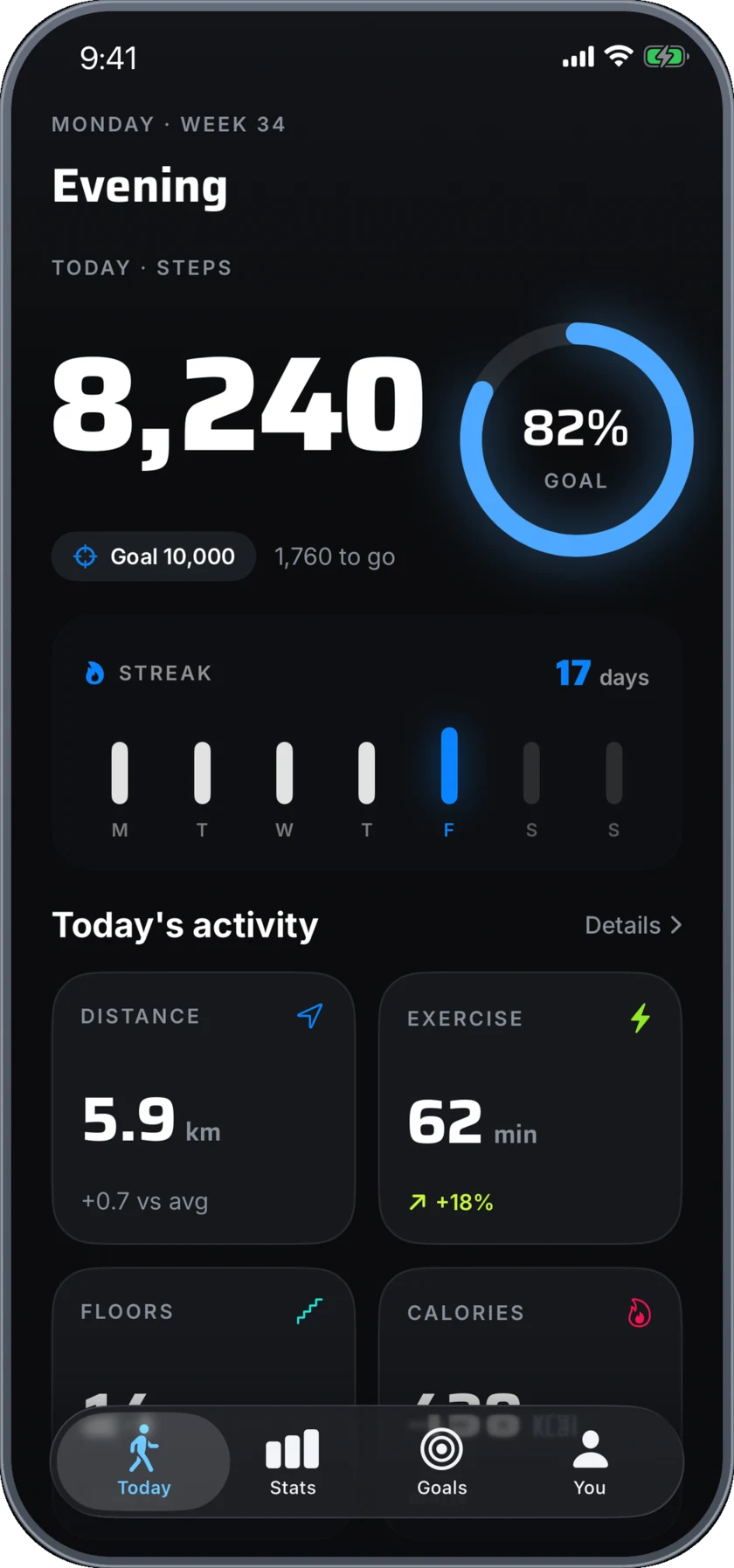
The headline is accent themes. Pick one of five and Flyback recolours end to end — not one screen, the whole app — and the change follows you onto your Home Screen, your Lock Screen and your wrist.





One tap, recoloured everywhere
An accent isn't a coat of paint on the Today screen. Choose Blue and the goal ring, your weekly trends, your streak flame and every metric card turn with it. So do the parts of Flyback that live outside the app: your Home Screen and Lock Screen widgets, and the Live Activity that tracks a walk on your Lock Screen and in the Dynamic Island.
A matching icon on your Home Screen
Each accent ships with its own app icon, and Flyback swaps to it automatically when you choose a colour. Pick Orange and the Home Screen icon goes orange to match — so the app looks like the one you chose before you've even opened it. Five colours, five icons, all drawn from the same running figure and speed ring.
On your wrist, in colour too
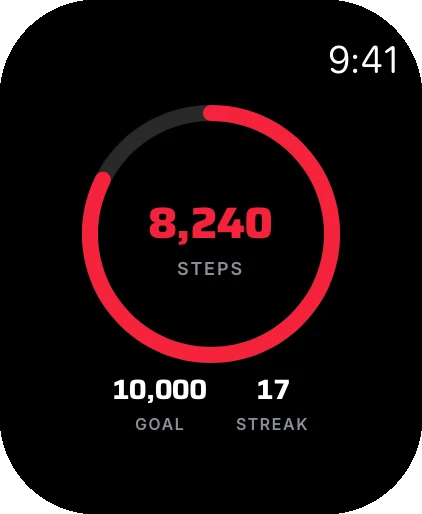
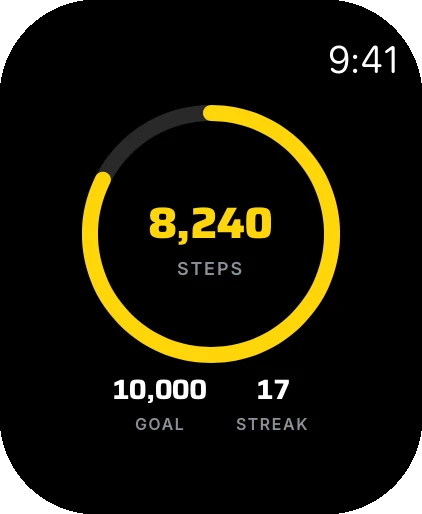
Flyback 2.0 ships a full Apple Watch app, and it reads your accent from the phone. Raise your wrist and today's steps sit inside a ring in your colour, with your goal and streak underneath. Add the complication and the number lives on your watch face.
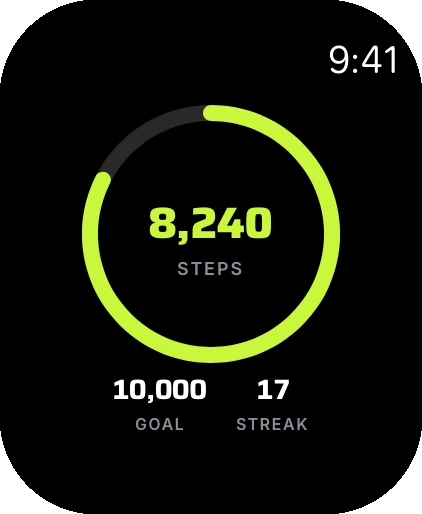
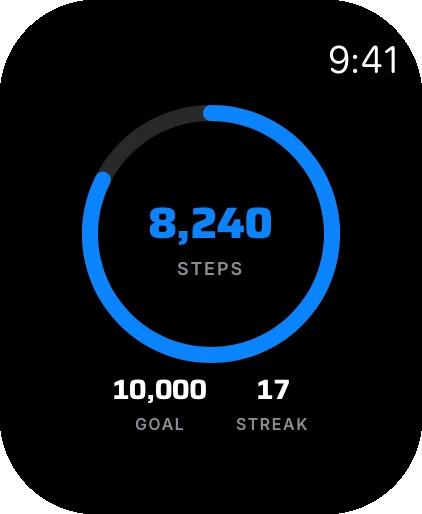
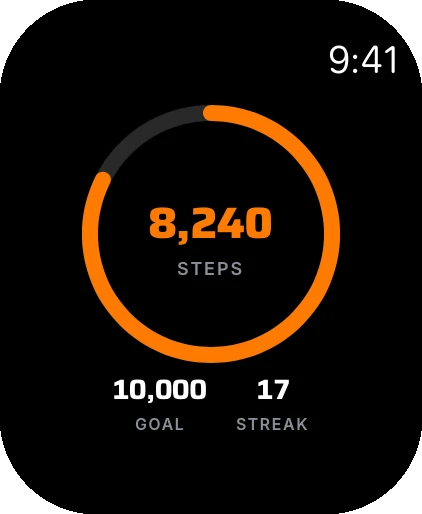
Built for the dark
We also made a call on the look. Flyback is now dark only — a near-black, athletic backdrop that lets each accent glow rather than compete with a bright interface. One consistent, considered look, whichever colour you land on.
How to switch your accent
Open Flyback, go to the You tab and tap Personalize. Every accent is laid out with a live preview; tap one and the app recolours as you watch, the icon updates, and your widgets and watch follow. Change it as often as you like.
A free update; accents are Premium
Flyback 2.0 is a free update for everyone, and counting your steps stays free forever. The accent themes and their matching icons are part of Flyback Premium ($3.99/month or $29.99/year with a 7-day free trial), alongside month, year and all-time trends, the streak heatmap, personal records and adaptive goals. Volt, the original look, stays free for everybody.
Update or download Flyback on the App Store below, and see the full tour on the app page. New to the colours? Our short guide walks through changing Flyback's colour and app icon.