Your whole day,
in one number.
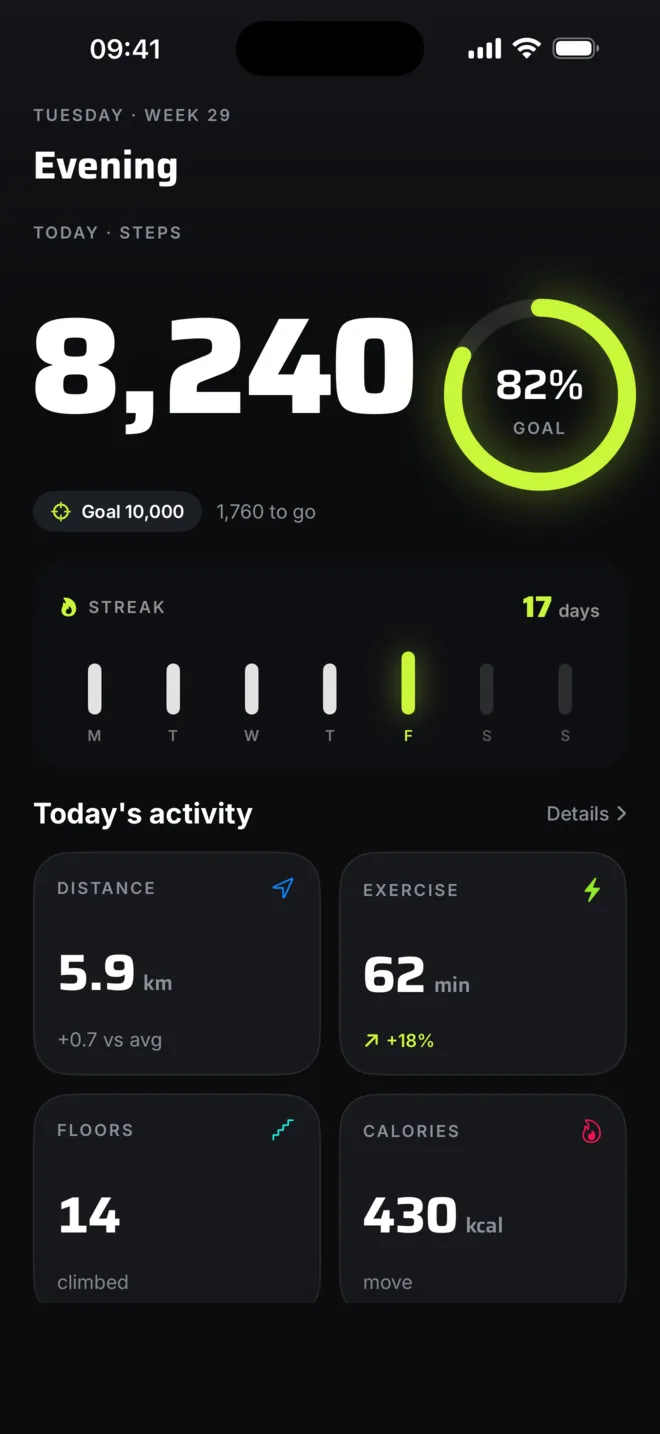
Flyback turns the walking you already do into one number worth chasing — today's steps, front and centre, wrapped in a goal ring, with your whole week beneath it. Free to download, and nothing ever leaves your phone.

Make it yours.
Pick an accent and Flyback recolours end to end — the app, your Home Screen and Lock Screen widgets, your Live Activity and your Apple Watch. Each one comes with a matching Home Screen icon. Five to choose from, yours in a tap.
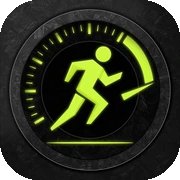
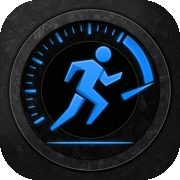
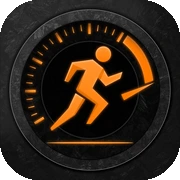
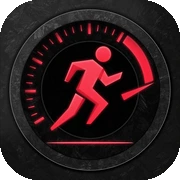
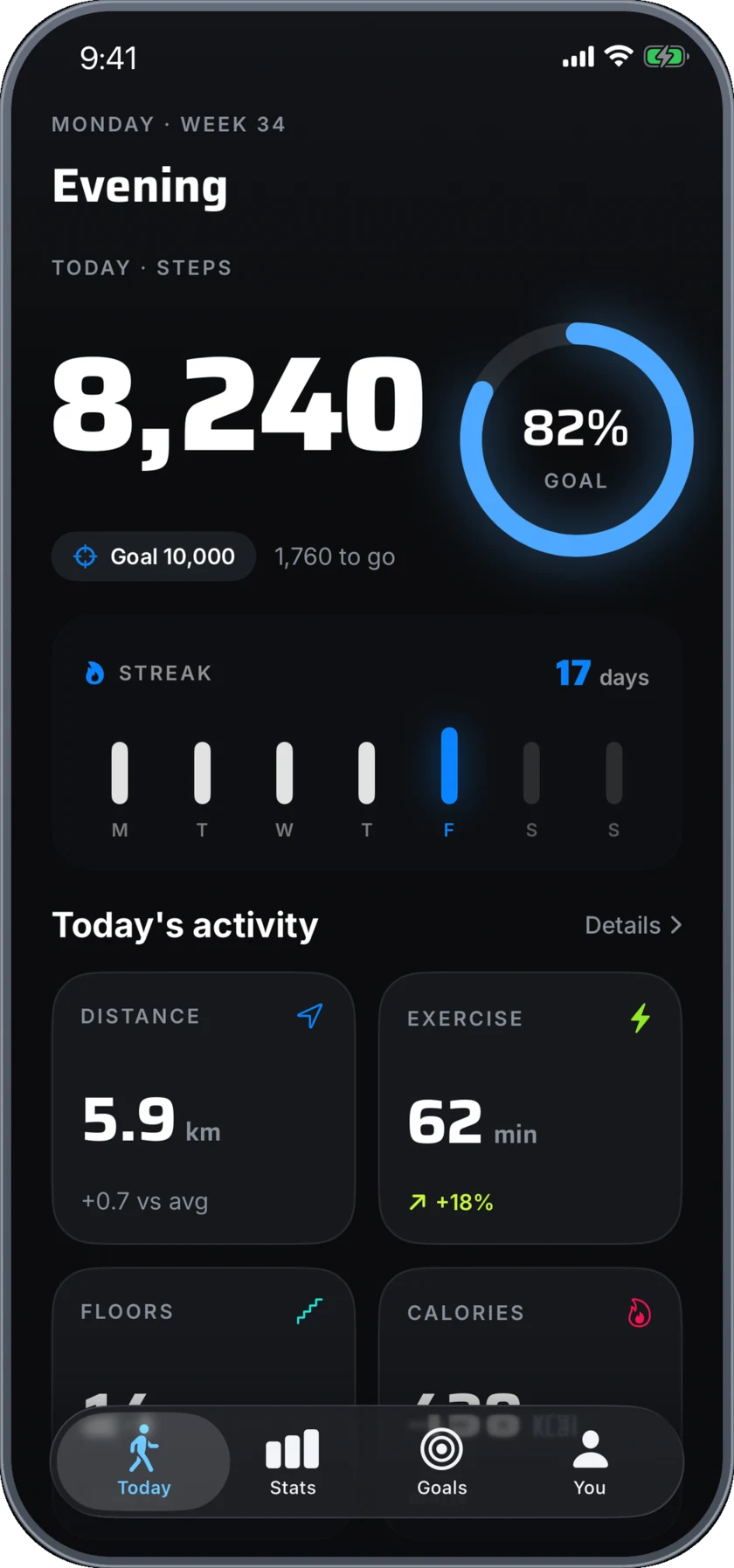
The whole app, in your colour.
An accent isn't a coat of paint on one screen. It runs through the goal ring, your trends, your streak and every metric — then out to your widgets, your Live Activity and the ring on your wrist.
And it doesn't stop at the app. The Home Screen icon changes with it, so Flyback matches the colour you chose before you've even opened it.
What it does.
Nothing to set up
No logging, no timers, no start button to remember. Open Flyback and today's total, your current streak and your best day ever are already on screen.
One number that lands
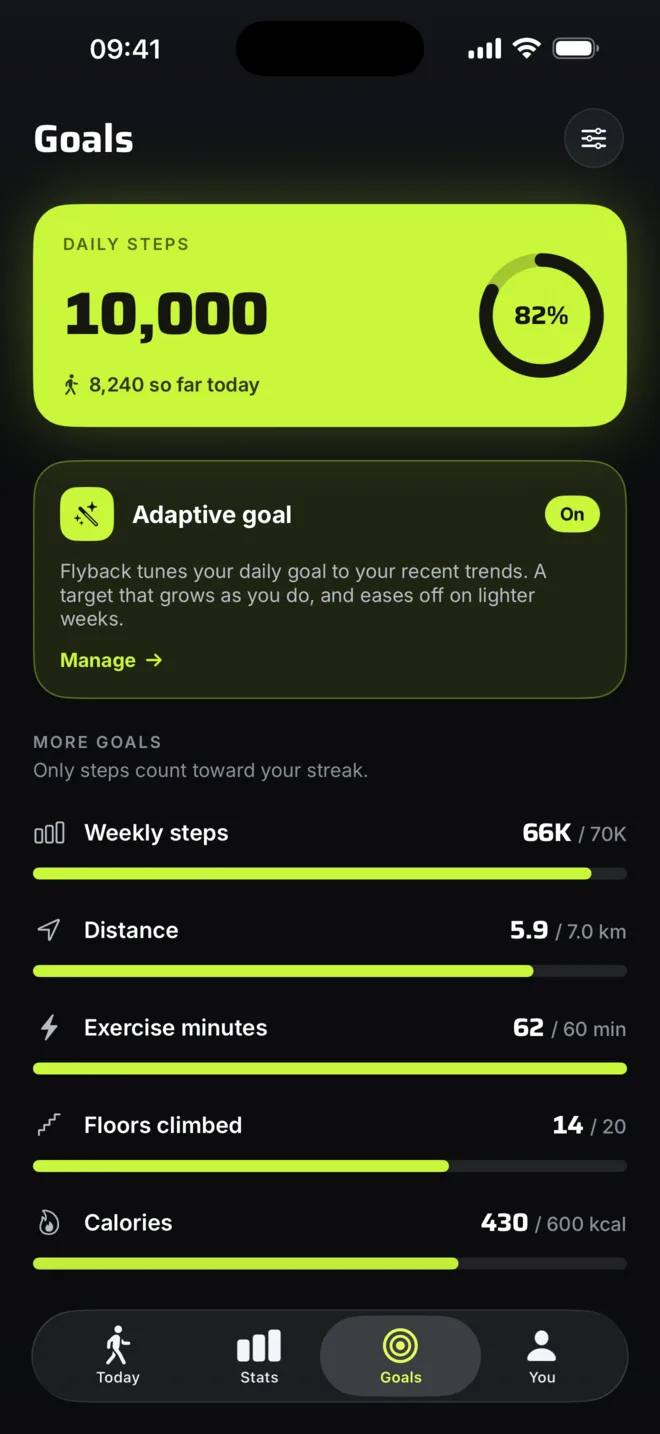
Today's steps fill the screen inside a ring that closes as you move. Distance, floors, minutes and calories sit right below.
A week you can read
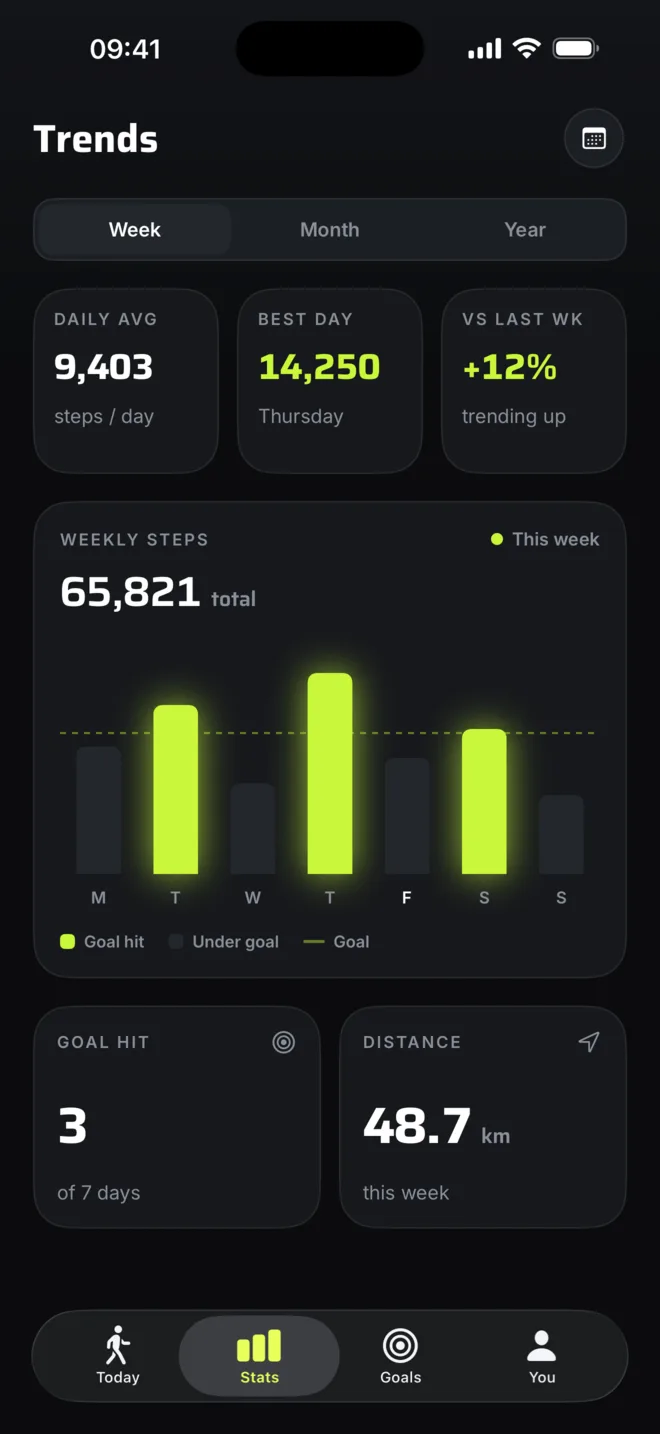
Hit your goal and the bar lights up. Fall short and it stays dark. A strong week looks like a win before you read a single figure.
A streak worth keeping
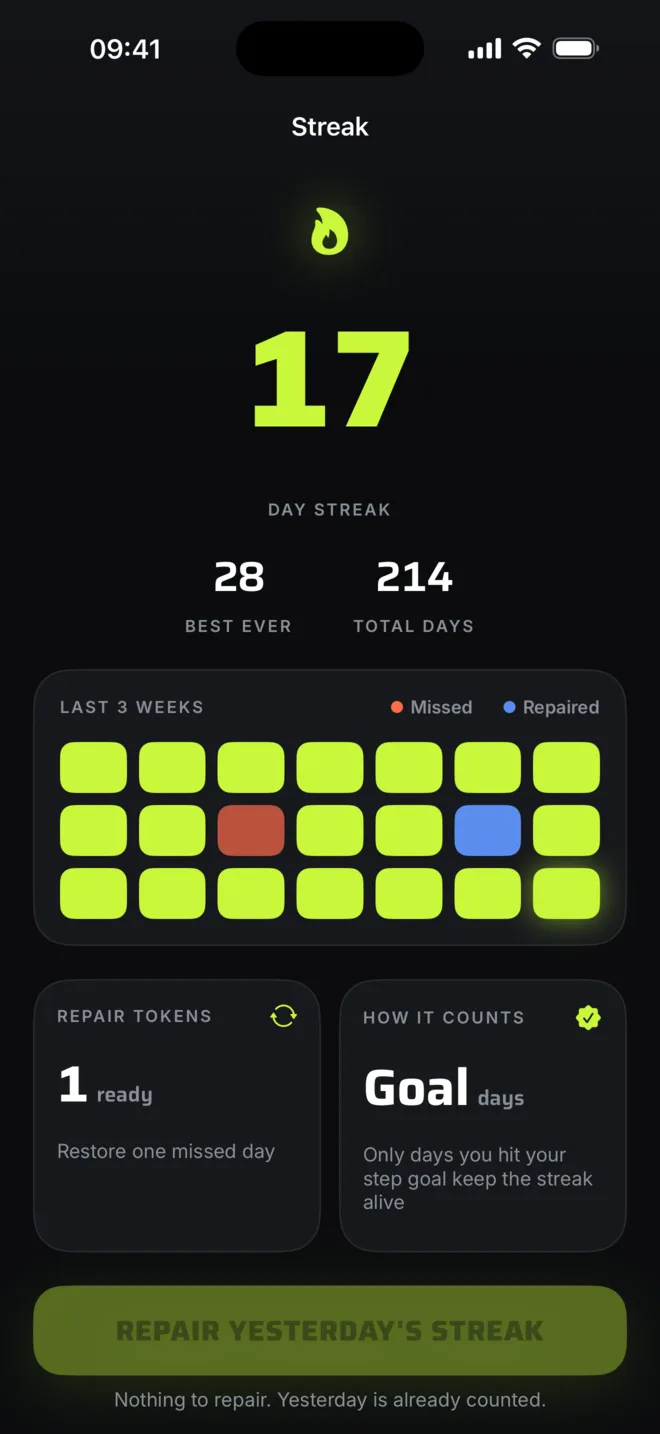
Hit your goal and the flame keeps burning, day after day. Miss one and a repair saves the run, so a single off day never wipes out weeks of momentum. It's the gentle nudge that gets you out for the last few hundred steps.
A goal that keeps pace
Lock in 10,000, or let the target rise on strong weeks and ease off on quiet ones. Steps, distance, floors, minutes and calories each get their own.
Badges you'll chase
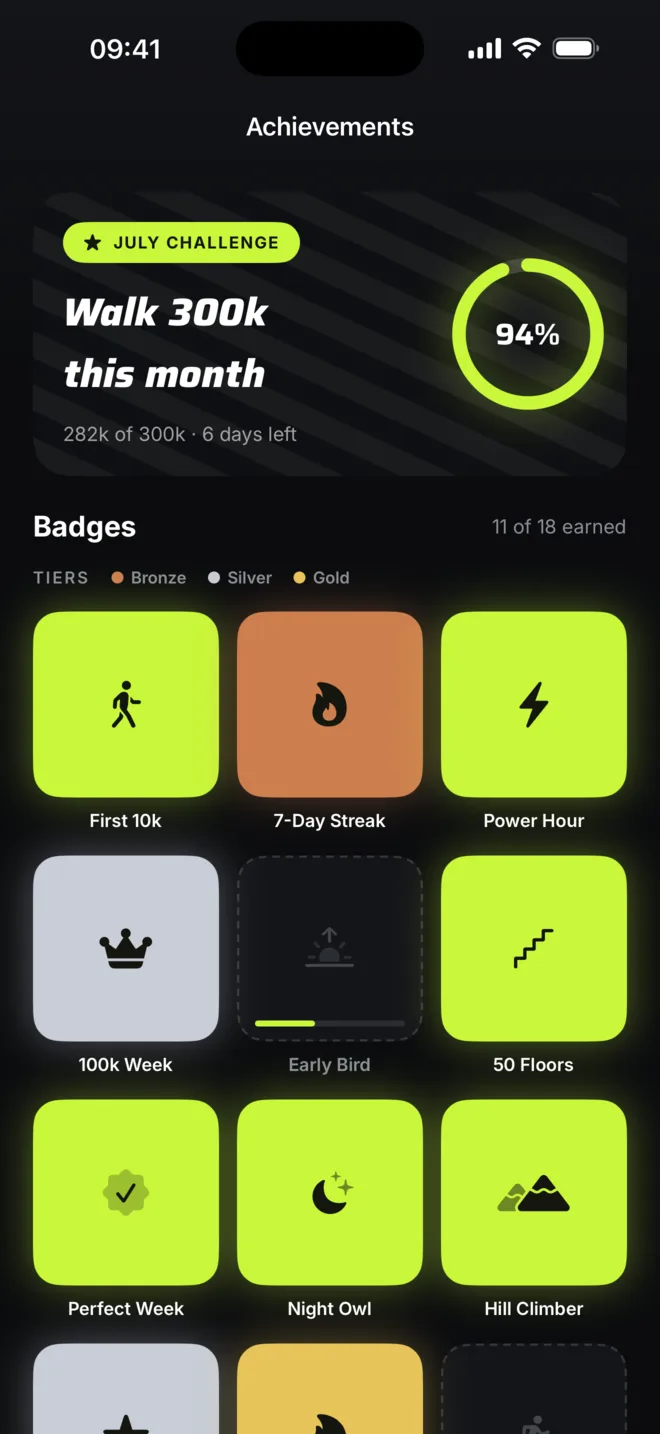
Eighteen to collect, bronze to gold, plus a fresh challenge every month. First 10k. Power Hour. 100k Week.
Records that stick
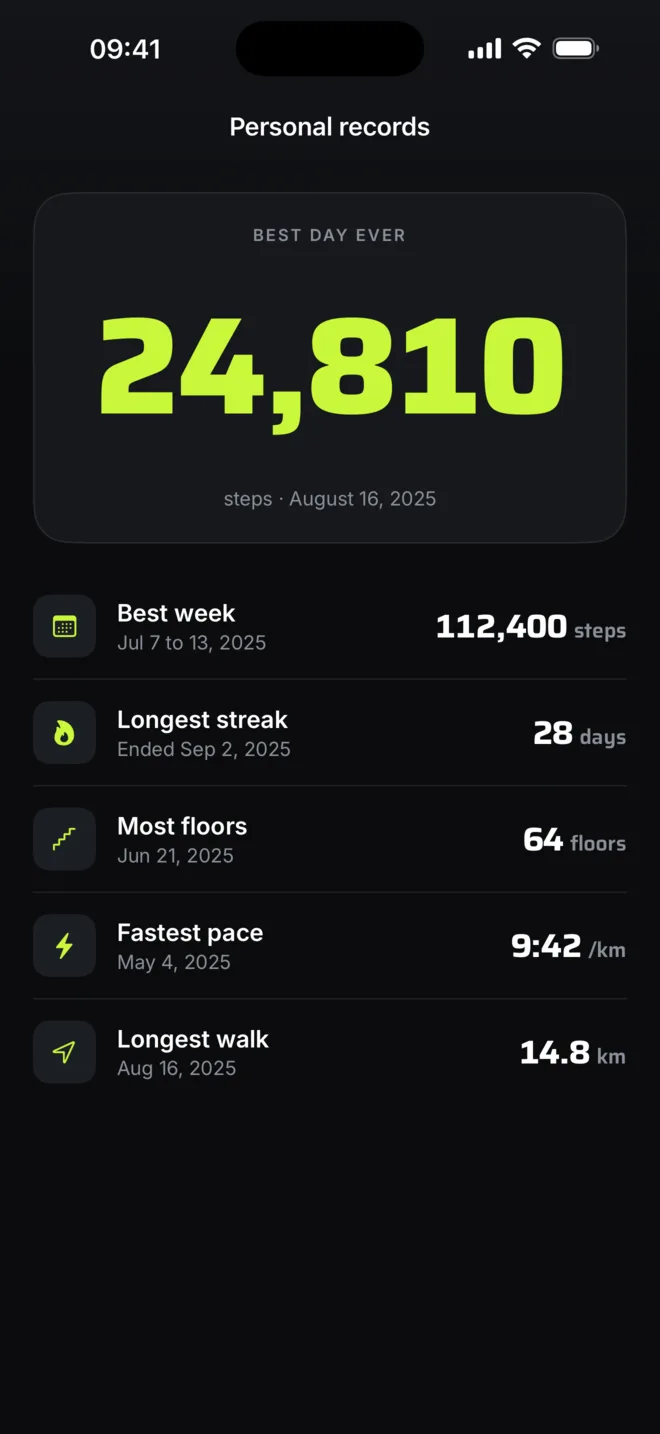
Best day, best week, longest streak, fastest pace, longest walk. Logged and dated the moment you beat them.
Walks, tracked live
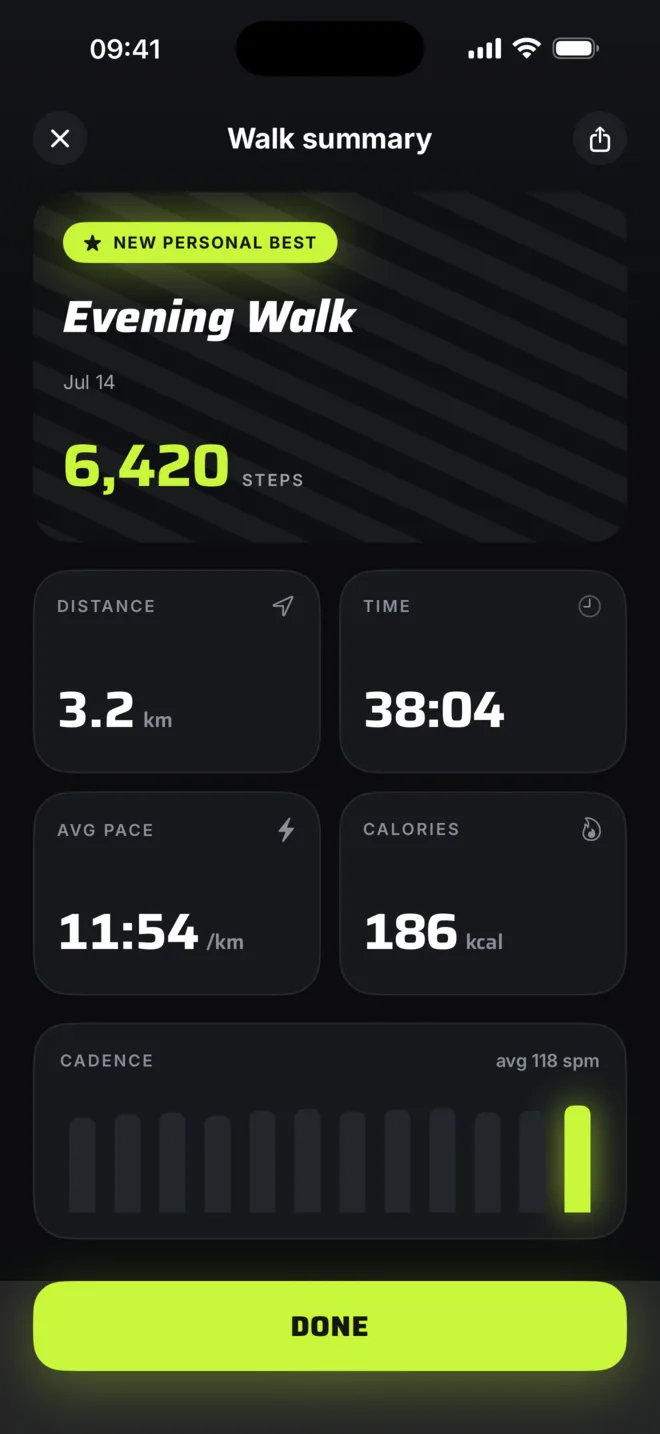
One tap for live distance, pace and cadence on your Lock Screen and Dynamic Island. It reads the motion chip, not GPS, so your battery and location stay untouched.
On every screen you own
Home Screen and Lock Screen widgets, a full Apple Watch app, and a complication for your watch face — every one in the accent you picked.
Yours to colour
Five accents — Volt, Blue, Orange, Red and Yellow — recolour the whole app, its widgets, your Live Activity and your watch, each with a matching Home Screen icon. Part of Premium.
On your wrist.
Your count, your ring and your streak, right where you glance a hundred times a day. Add a complication and today's steps live on your watch face.
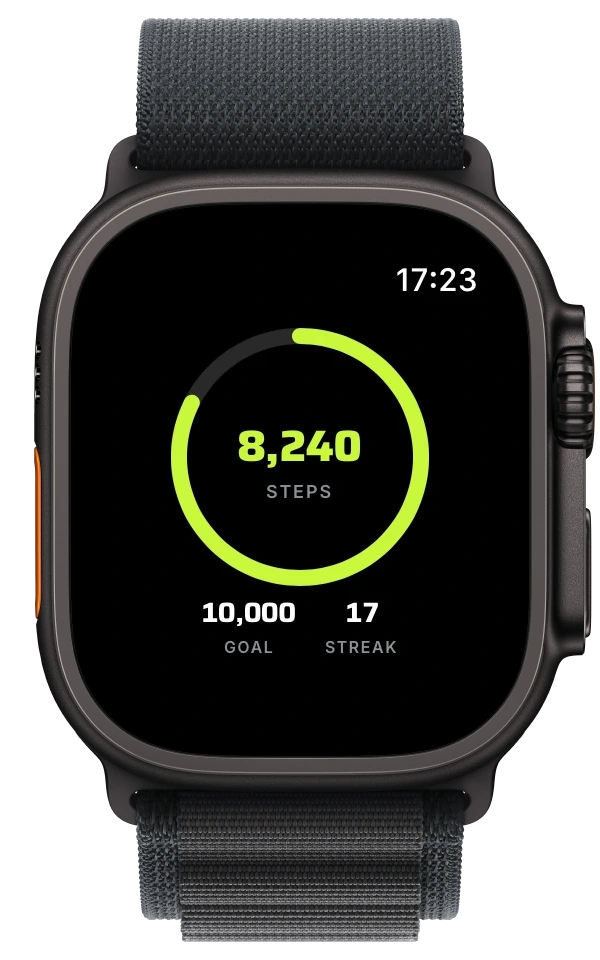
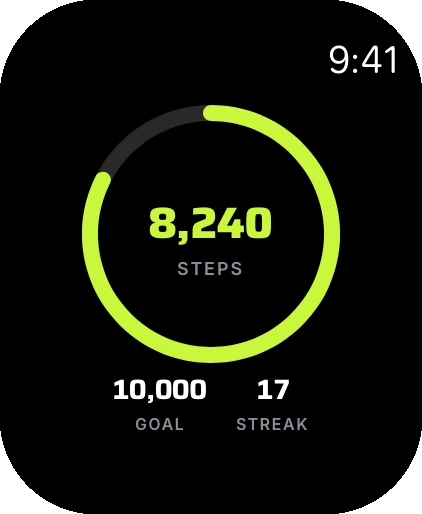
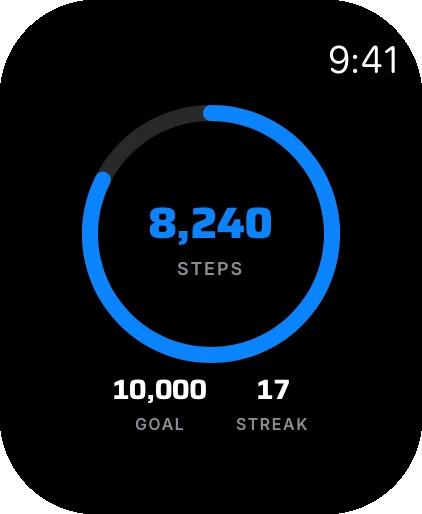
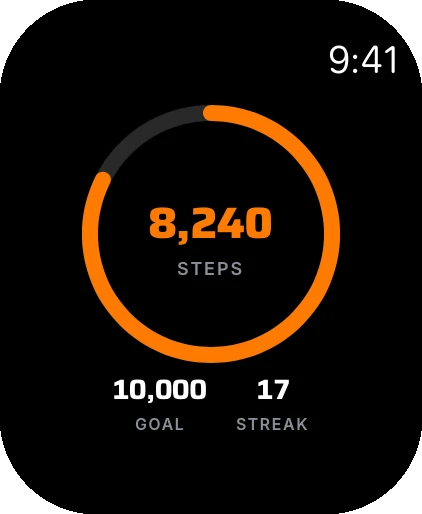
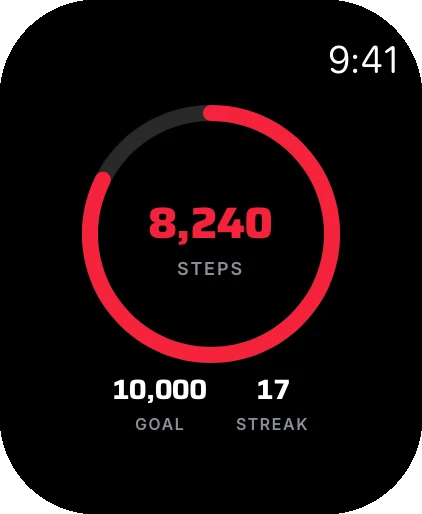
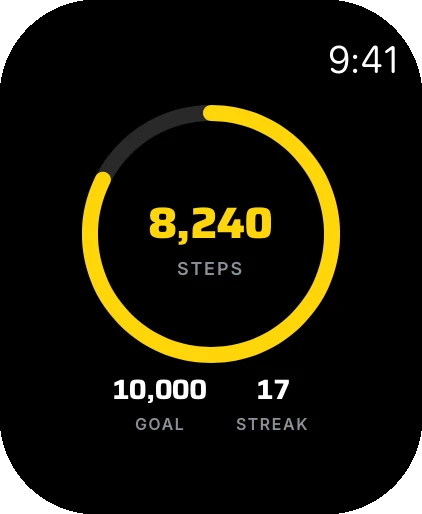
Premium accents reach the wrist too — your ring in the colour you chose.
Free to use. Better with Premium.
Counting your steps costs nothing and always will, with no ads. Premium is for the long view: deeper trends, records, and a goal that adapts.
- Today's number, goal ring and progress
- This week's trends and goal-coded bars
- Streaks with one repair a month
- All 18 badges and the monthly challenge
- Live walk tracking, widgets and Apple Watch
- Five accent themes with matching app icons
- Month, year and all-time trends
- The calendar heatmap of your streaks
- Personal records
- Adaptive goals that move with you
- Three streak repairs a month
Nothing leaves your phone.
Flyback reads your Health data on your device and never sends it anywhere. No account, no sign-up, no ads, nothing sold. It reads your steps, distance, floors and active energy, and it only ever reads. It never writes back to Apple Health.
The only thing we collect is anonymous, aggregated analytics to catch crashes and see which features people use. Your step and health data is never part of it. Read the full privacy policy whenever you like.
Good questions.
Do I need an Apple Watch to use Flyback?
No. Flyback counts the steps your iPhone already records in Apple Health, so it works on iPhone alone. If you do have an Apple Watch, there's a watch app and complications too.
Is Flyback free?
Yes. Counting your steps is free forever, with no ads. Flyback Premium ($3.99/month or $29.99/year with a 7-day free trial) adds month, year and all-time trends, the calendar heatmap, personal records, adaptive goals, extra streak repairs and the accent themes.
Can I change Flyback's colour and app icon?
Yes. Flyback 2.0 adds five accent themes — Volt, Blue, Orange, Red and Yellow. Pick one and it recolours the whole app, your widgets, your Live Activity and your Apple Watch, and swaps your Home Screen icon to match. The accents are part of Flyback Premium.
Does Flyback track my steps in the background?
You don't need to keep it open. Your iPhone counts steps all day with its motion coprocessor and stores them in Apple Health. Flyback reads that history whenever you open it, so today's number and your streak are always current.
Does my health data leave my phone?
No. Flyback reads your Health data on your device and never uploads, transmits or stores it anywhere. There's no account to make, and your health data is never sent to analytics.
Does it use GPS or drain my battery?
No. Live walk tracking runs on your iPhone's motion chip instead of GPS, so it measures distance, pace and cadence without a battery hit or a location prompt.
What does Flyback read from Apple Health?
Steps, walking and running distance, flights climbed and active energy. It only ever reads, and never writes anything back to Apple Health.
How do step streaks work?
Only days you hit your step goal keep your streak alive. Miss a day and you can spend a repair token to restore it. Free includes one repair a month; Premium includes three.
What iPhone do I need?
Flyback requires iPhone running iOS 18 or later. Any iPhone that records steps in Apple Health will work.
Read up.
Flyback 2.0: make it yours
Five accent themes, matching app icons, and a full Apple Watch app.
How to change Flyback's colour and app icon
Pick an accent and it flows through the app, your widgets, your watch and your icon.
Introducing Flyback, your whole day in one number
The steps your iPhone already counts, on a screen you'll actually open.
How to count steps on your iPhone without an Apple Watch
Your iPhone has been counting the whole time. Here's how to find and use the number.
The best step counter app for iPhone in 2026
Most read the same number. So the best one comes down to what it does with it.
Flyback vs the Health app: where your steps deserve to live
Not rivals. A vault and a front door, and how to use both.
Get Flyback.
Free, for iPhone and Apple Watch.