How to make a photo booth strip on your iPhone
The classic four-frame strip, developed in black and white, made on your phone in about a minute.
A photo-booth strip is four frames stacked in a vertical column and developed together in black and white. On an iPhone you can make one in about a minute with Cabine: open the app, step into the booth, and pose for four shots with a countdown between each. Cabine develops them into a single strip you can save, share or print. Here is the whole process, plus a few small things that separate a keeper from a throwaway.
How do you make a photo booth strip on an iPhone?
The short answer: open Cabine, choose the booth, and let it count you down through four frames three seconds apart. It develops them into one black-and-white strip in your library. If you would rather use photos you already have, you can import four instead of shooting live. The full steps are below.
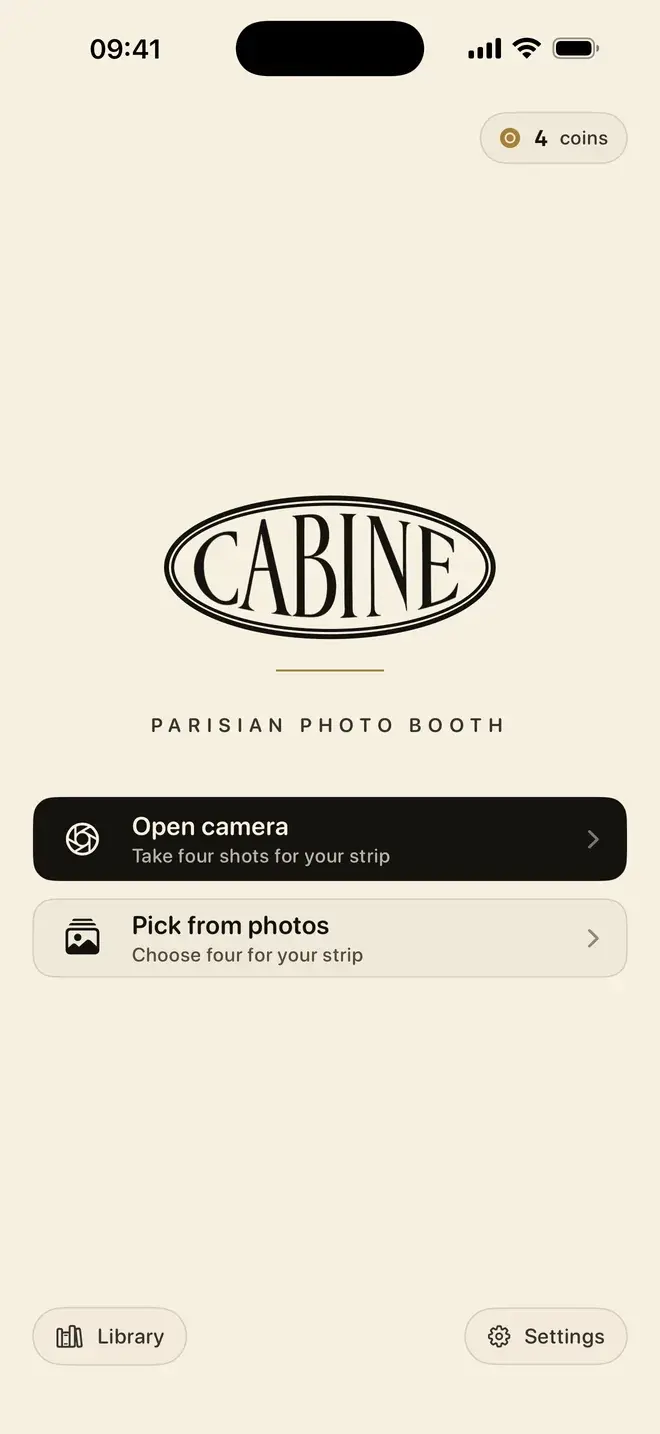
- Open Cabine and step into the booth. From the welcome screen, tap to start a new strip. The front camera comes up, framed like a booth and ready to count you down.
- Or bring four photos you already have. Prefer not to shoot live? Choose four pictures from your library instead, and Cabine arranges them into the same four-frame layout.
- Pose for four shots, three seconds apart. The booth counts down to each frame and captures on its own, with no tapping between shots. Change your expression or angle for each one. The gaps are short, so decide your poses before you start.
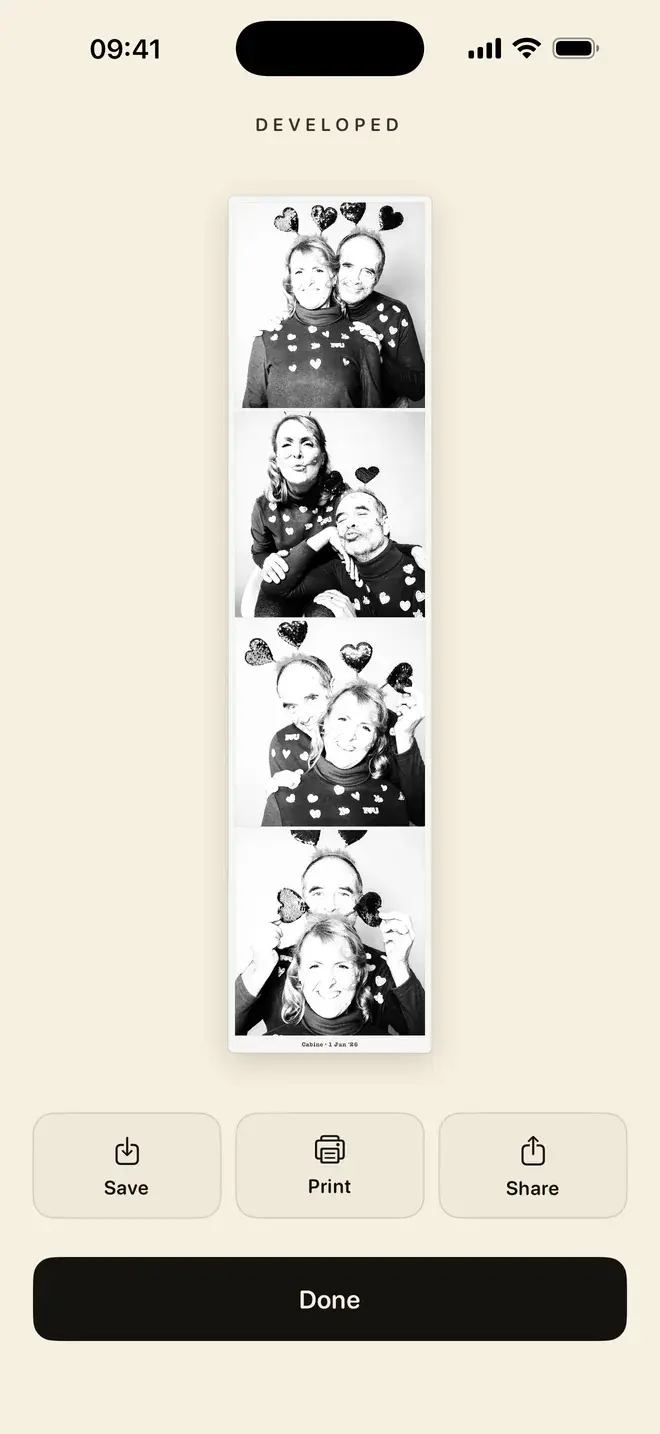
- Watch the strip develop. Cabine converts the four frames to black and white, a real monochrome conversion rather than a colour filter dropped on top, then lays them out as one classic strip.
- Save, share or print. Finished strips land in a private library on your phone. Share one to any app, or print it over AirPrint to any compatible printer.
Should you use the booth or import photos?
Both routes end in the same strip, so it comes down to the moment. The live booth is the fun of the real thing: the countdown forces you to react, and the slightly-wrong frames are exactly the point. Use it when people are together and you want the spontaneity.
Importing four photos suits everything else: a strip from a trip you have already been on, a set of shots you like, or a way to include someone who was behind the camera on the day. If a monochrome strip is what you are after, our note on black-and-white photo strips goes further into why the conversion matters.
Tips for a strip worth keeping
- Keep the phone steady. Prop it against something or use a small stand. The booth shoots on a timer, so anything that stops the phone drifting between frames keeps the four shots aligned.
- Find good light. Face a window or stand under even light. Black and white is honest about shadows, and soft, front-on light gives the cleanest result.
- Plan four poses. Three seconds goes quickly. Decide your four beats in advance (straight, smile, silly, close-up is a reliable run) so no frame is a blank stare while you think.
- Fill the frame. Get in a little closer than feels natural. A strip reads best when faces are the subject, not the background.
What does it cost to make a strip?
Cabine is free to download, with no subscription and no ads. Posing, shooting and retaking never cost anything, and your first strip is free. After that it works like a real booth: one coin, a small in-app purchase, makes one strip. There is no membership to sign up for and nothing to cancel.
Where do the strips go, and is anything uploaded?
Every frame is captured and developed on your device, and finished strips stay in a private library on the phone. Nothing is uploaded, and we never see a strip. If on-device handling is something you weigh up before installing an app, we wrote more about the approach in on-device photo editing and privacy. Cabine needs iOS 17 or later.
Making strips for an event
The same four-frame flow scales to a party or a wedding. Hand the phone round, let everyone take a turn in the booth, and each pair or group walks away with their own strip. For a full setup, with a stand, prompts and printing on the day, see our guide to a DIY wedding photo booth. If you would rather compare options first, we round up the field in the best photo booth apps for iPhone.
Frequently asked questions
How do you make a photo booth strip on an iPhone?
Open Cabine, tap to start a strip, and pose for four shots with a three-second countdown between each. Cabine develops them into a single black-and-white strip you can save, share or print over AirPrint. You can also import four photos you already have instead of using the camera.
Is there a free photo strip app for iPhone?
Cabine is free to download with no subscription and no ads. Posing, shooting and retaking are always free, and your first strip is free; after that each finished strip costs one coin, a small in-app purchase.
Can I turn four photos I already have into a photo strip?
Yes. Instead of using the live booth, choose four photos from your library and Cabine arranges and develops them into one black-and-white strip.
How do I print a photo booth strip from my iPhone?
Cabine prints over AirPrint, so any AirPrint-compatible printer works. Open the finished strip in your library and send it to print, or share it to another app first.
Are the photos uploaded anywhere?
No. Everything in Cabine happens on your device. The shots are captured and developed locally, the strips stay in a private library on your phone, and nothing is uploaded.

Keep reading
The quiet appeal of a black-and-white photo strip
Why monochrome strips look so good, and how to make a proper one on your iPhone.
A DIY wedding photo booth with just an iPhone
An iPhone on a stand, four poses, and a black-and-white strip to keep. No booth to rent, no attendant, no van.
The best photo booth apps for iPhone in 2026
A booth counts you down, takes what it takes, and hands you a strip. Here is how to find that on an iPhone, and which app to reach for.