The quiet appeal of a black-and-white photo strip
Why monochrome strips look so good, and how to make a proper one on your iPhone.
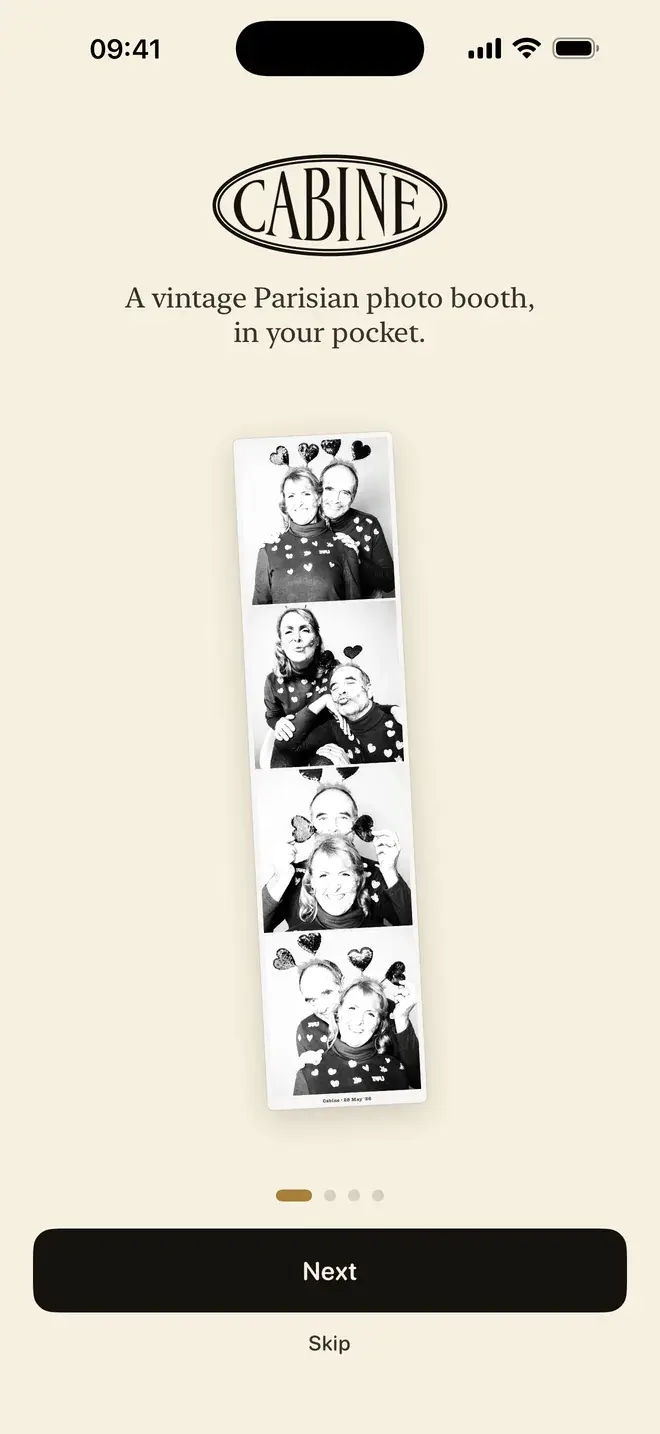
A black-and-white photo strip has a quiet authority that colour rarely manages. Four frames, no palette to argue with, just faces and light. Here is the short answer, then the longer one: early photo booths shot in black and white because monochrome paper developed faster and more cheaply than colour, and the look stuck because it flatters almost everyone. It evens out skin, forgives the harsh lighting inside a booth, and pushes all the attention onto expression.
Why are photo booths black and white?
The honest reason is chemistry and cost. When the automatic photo booth arrived in the 1920s, it worked with black-and-white photographic paper because that was the fast, affordable process of the day. Colour booths came much later and were slower and pricier to run. By the time colour was practical, the black-and-white strip had already become the thing people recognised: the format on the wall at the diner, the passport-style row of four.
There is a practical reason it endured beyond nostalgia. Booth lighting is rarely kind. It is a bright bulb close to your face, often with an odd colour cast from the enclosure. Monochrome throws all of that away. There is no green fluorescent tint to fix, no red flush to worry about, only tone. The picture becomes about the moment rather than the conditions.
Why does monochrome look so flattering?
Black and white removes the two things that most often make a snapshot feel unflattering: uneven skin colour and a distracting background. Blotchiness, a sunburn, a bit of redness after laughing: colour insists on all of it. Tone quietly sets it aside. What is left is the shape of a smile and the light in someone's eyes.
It is also timeless in a literal sense. Colour dates a photograph. You can often guess the decade from the film stock or the phone. A well-made monochrome strip could be from almost any year, which is part of why it reads as keepsake rather than camera roll. For a group, it does something kinder still: everyone is rendered in the same tonal language, so no one stands out for the wrong reason.
A real conversion, not a grey filter
This is where most phone versions fall down, and it is worth understanding because it is the difference between a strip that looks made and one that looks muddy.
Dropping a grey filter on a colour photo, desaturating it, throws the colour away and keeps whatever brightness each pixel already had. The trouble is that very different colours can share almost the same brightness. A red jumper and a green wall can convert to nearly identical greys, so they merge into one flat shape. Skin can go dull and lifeless. The result is technically black and white but has no structure to it.
A real monochrome conversion treats each colour channel with intent, deciding how reds, greens and blues should translate into grey so that skin keeps its glow, and light and shadow stay separated. That is the difference between a photograph that has depth and one that has had the colour drained out.
Cabine does a proper conversion, not a colour photo with a grey filter dropped on top. It is built around the strip, so the tones are chosen to suit faces the way a booth's chemistry once did. If what you want instead is a black-and-white treatment on a single, ordinary photo, that is a different job. Filtray has a Black & White category of proper monochrome looks for stills.
The ritual of four frames
Half the charm of a strip is that you do not get to plan it. A booth counts you down whether you are ready or not, and the frames arrive three seconds apart. You cannot overthink four poses in twelve seconds, and that is the point. The first frame is you composing yourself; by the third you have given up and started laughing; the fourth is usually the one people love. The strip records the arc, not a single curated pose.
Four frames also has a rhythm on the page, a small sequence you can read top to bottom, like a few seconds held still. It is why a strip feels like a little story where a single photo feels like a statement.
How to make a black-and-white photo strip in Cabine
You have two ways in, and both end at the same strip.
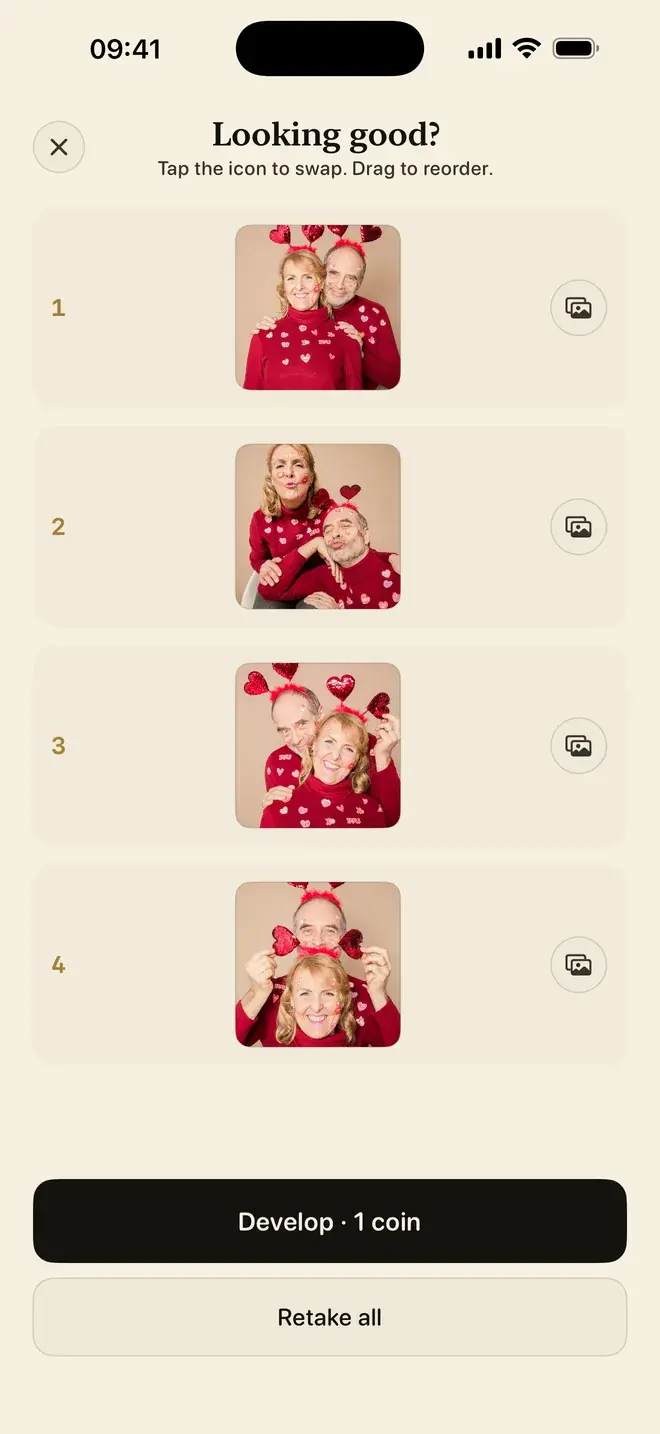
- Use the booth. Open Cabine, prop the phone up or hold it steady, and start. The front camera counts you down and takes four shots three seconds apart, with booth sounds to keep the pace. Retake as many times as you like. Posing, shooting and retaking are always free.
- Bring four photos. If the moment has already happened, choose four pictures from your library and arrange the order. Cabine develops them into one strip.
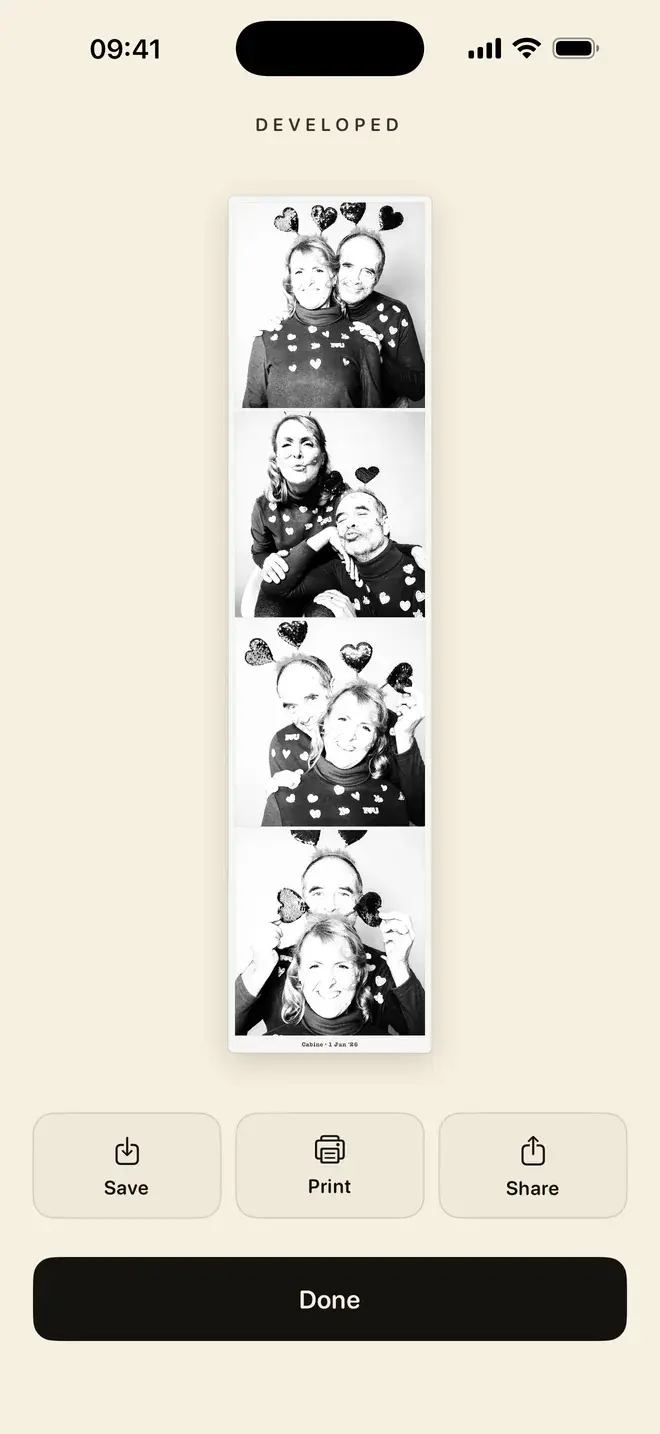
Either way, the four frames develop into a single black-and-white strip and land in a private library on your phone. Nothing is uploaded, so the pictures never leave the device. For more on the full walk-through, see how to make a photo booth strip on iPhone, and if you are planning a table of these for guests, DIY wedding photo booth strips covers the day itself.
Printing a strip over AirPrint
A strip is best in the hand. From the finished strip, choose to print and Cabine hands it to AirPrint, so any AirPrint-capable printer on your network will do. On glossy photo paper at the right size it comes out close to the object you remember from the booth: the one that ends up on a fridge or inside a book. There is no special hardware to buy; if your printer supports AirPrint, you are set.
A few things that make a better strip
- Find soft, even light. A window to the side is kinder than a bright light overhead. Monochrome loves gentle gradients from light to shadow across a face.
- Look at the lens, not the screen. Eye contact reads as presence, and in black and white the eyes do a lot of the work.
- Let the frames differ. Do not aim for four identical poses. The variety is what makes a strip feel alive.
- Keep the background simple. Tone flattens clutter less forgivingly than colour hides it, so a plain wall helps the faces carry the frame.
Free, and it stays on your phone
Cabine is free, with no subscription and no ads. Posing, shooting and retaking never cost anything, and your first strip is on us. After that it works like a real booth: one coin, a small in-app purchase, for one strip. Everything happens on the device; nothing is uploaded, which is the way we build across the studio. If that matters to you, on-device photo editing and privacy goes into why. Cabine needs iOS 17 or later.
Frequently asked questions
Why are photo booths black and white?
Early photo booths used black-and-white paper because it developed faster and more cheaply than colour, and the look endured because monochrome flatters skin, hides the harsh colour cast of booth lighting, and keeps attention on expression rather than what you are wearing.
What is the difference between a black-and-white conversion and a grey filter?
A grey filter removes colour and keeps each pixel's existing brightness, so different colours with similar brightness can merge into flat, muddy grey. A real monochrome conversion decides how reds, greens and blues translate to grey so that skin keeps its glow and light and shadow stay separated. Cabine does a proper conversion rather than dropping a grey filter on a colour photo.
How do I make a black and white photo strip on my iPhone?
In Cabine, either use the front-camera booth, which counts you down and takes four shots three seconds apart, or bring four photos you already have. The frames develop into a single black-and-white strip saved to a private library on your phone.
Can I print a photo strip from my phone?
Yes. From a finished strip in Cabine you can print over AirPrint to any AirPrint-capable printer on your network. Glossy photo paper gives the closest result to a real booth strip, and no special hardware is required.
Is there a free black and white photo booth app?
Cabine is free with no subscription and no ads. Posing, shooting and retaking are always free and the first strip is free; after that it works like a real booth, with one small in-app coin per strip.

Keep reading
How to make a photo booth strip on your iPhone
The classic four-frame strip, developed in black and white, made on your phone in about a minute.
A DIY wedding photo booth with just an iPhone
An iPhone on a stand, four poses, and a black-and-white strip to keep. No booth to rent, no attendant, no van.
Cabine vs an online photo booth: which should you use?
A web photo booth opens in a second and asks nothing of you up front. An app keeps your photos on the phone and gives you a strip worth printing. Here is the honest trade-off.