A thousand filters.
AI picks the right one.
A thousand professional filters, and AI that reads your photo and puts the right ones first. Free on the App Store.

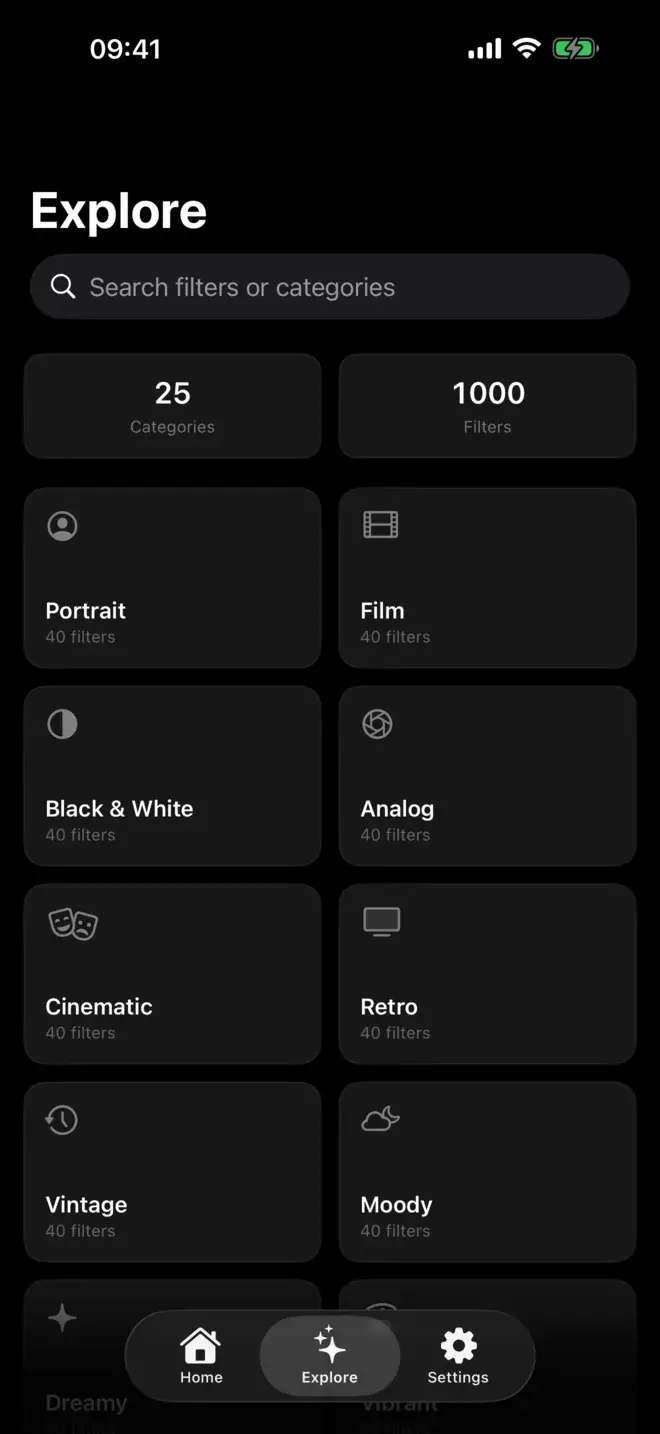
What it does.
Your photos stay yours
Both the analysis and the editing run on your iPhone. Photos are never uploaded, and there is no account to create.
AI reads your photo
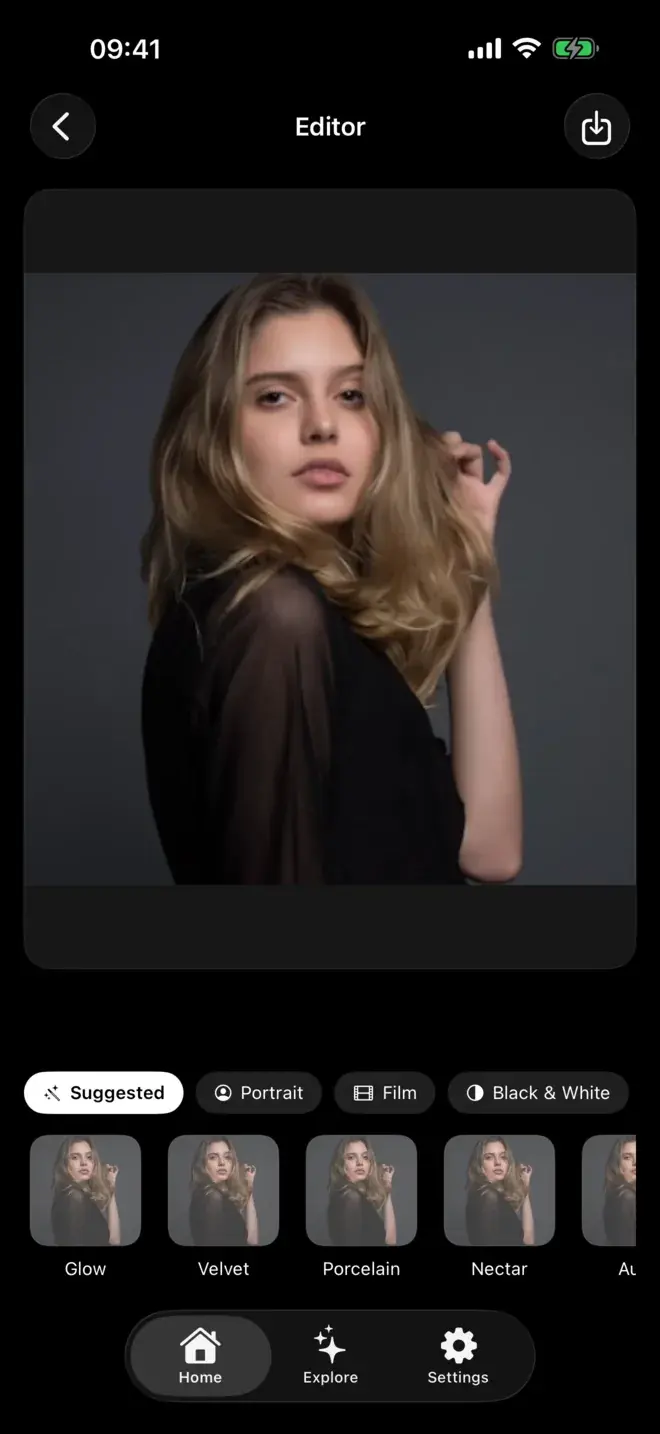
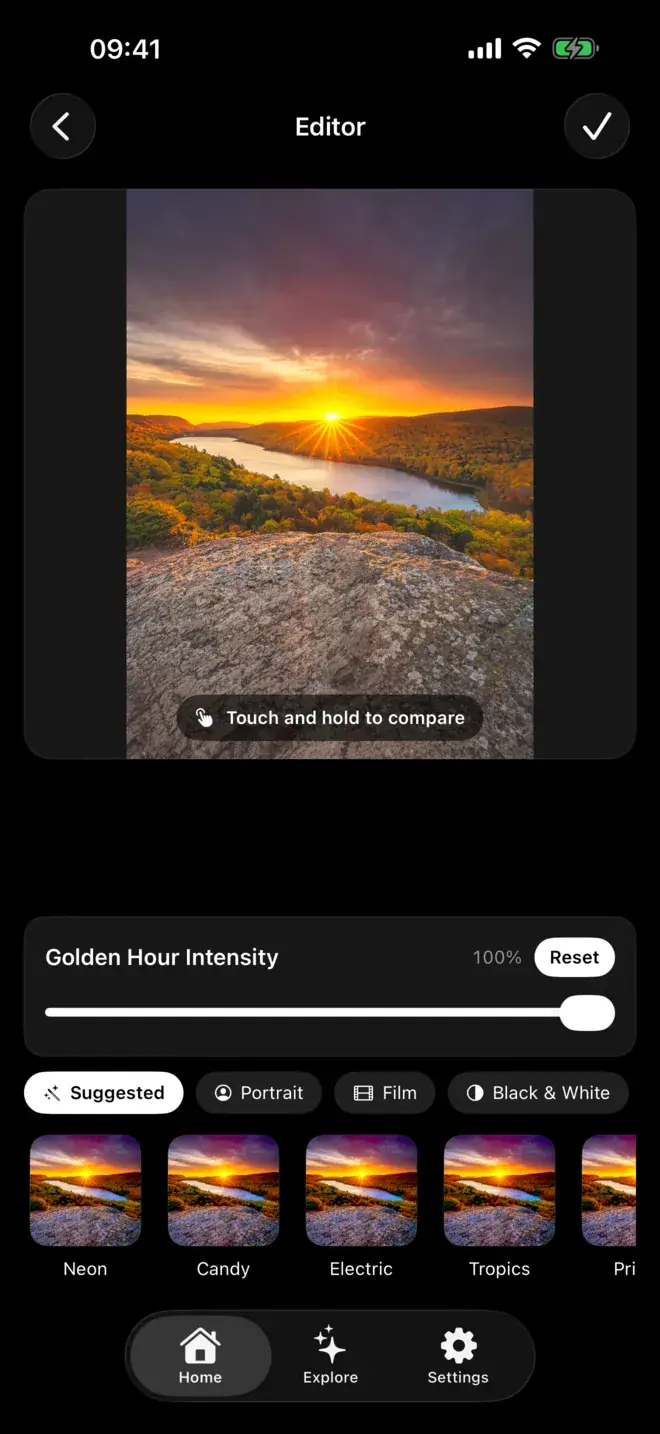
Brightness, colour, faces, mood. Faces in frame put portrait looks first; golden hour brings up the warm ones.
1,000 filters
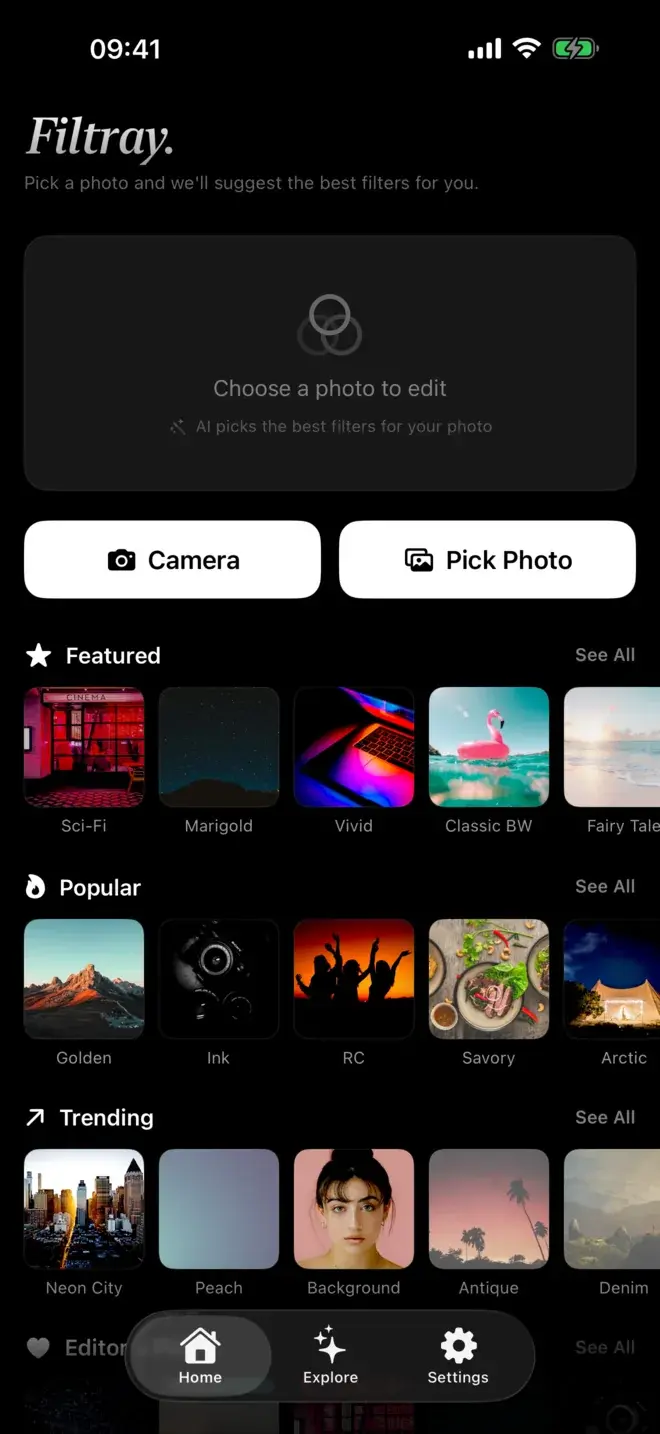
Twenty-five categories, forty in each. Portrait, Film, Cinematic, Moody, Low Key and twenty more.
No watermarks
Full resolution out. Nothing stamped in the corner.
Free to try
Three filters free in every category. No account, no signup.
Filtray Pro
Unlocks all 1,000 filters and suggestions on every photo.
Guides & comparisons.
Filtray vs VSCO: which iPhone filter app should you use?
Two ways to find a look: a preset library you browse, or AI that puts the right filters first.
The best filters for portrait photos on iPhone
Which looks flatter a face, and how Filtray surfaces them the moment it sees one.
How Filtray's on-device AI picks the right filter
What it means for an app to read your photo before you touch a single slider.
Introducing Filtray, a thousand filters that pick themselves
Pick a photo and Filtray puts the filters that suit it first.
Good to know.
Is Filtray free?
Filtray is free to download, with three filters unlocked in every category. Filtray Pro unlocks all 1,000 filters and AI suggestions on every photo.
Does Filtray upload my photos?
No. Both the AI analysis and the editing run entirely on your iPhone. Photos are never uploaded, and there is no account to create.
How does Filtray choose which filters to show first?
It reads your photo on-device, looking at brightness, colour, faces and mood, then puts the filters that suit it first, so you are not scrolling past looks that were never going to work.
Do Filtray exports have a watermark?
No. Filtray exports at full resolution with nothing stamped in the corner.
What iPhone does Filtray need?
Filtray requires iOS 18 or later.
Get Filtray.
Free, for iPhone.