The best photo booth apps for iPhone in 2026
A booth counts you down, takes what it takes, and hands you a strip. Here is how to find that on an iPhone, and which app to reach for.
A phone camera and a photo booth are not the same thing. A booth counts you down whether you are ready or not, takes four frames in a row, and develops them into a single strip a moment later. The small imperfections are the point. If you want that ritual on an iPhone, with an authentic black-and-white strip, AirPrint printing and no subscription, Cabine is our pick. Below are the broad categories of booth app you are likely to meet, what each is good at, and how to choose between them.
What counts as a photo booth app?
It helps to be precise, because the App Store files a lot of different things under "photo booth". A booth app, in the strict sense, does three things a plain camera does not:
- It runs a sequence. A countdown, then several frames taken automatically a few seconds apart, so you pose rather than tap.
- It lays the frames out as a strip. The classic vertical strip of four is the format people recognise.
- It leads somewhere physical. The best of them make it easy to print, not just post.
Anything missing one of those tends to be a filter app or a collage maker wearing a booth costume. Both can be lovely; they are just answering a different question.
The best photo booth app for an authentic strip
Cabine is built around the ritual rather than around effects. You pose for four shots, three seconds apart, with a countdown and booth sounds, and they develop into one black-and-white strip. If you would rather not perform to the front camera, you can bring four photos you already have and let it arrange and develop those instead.
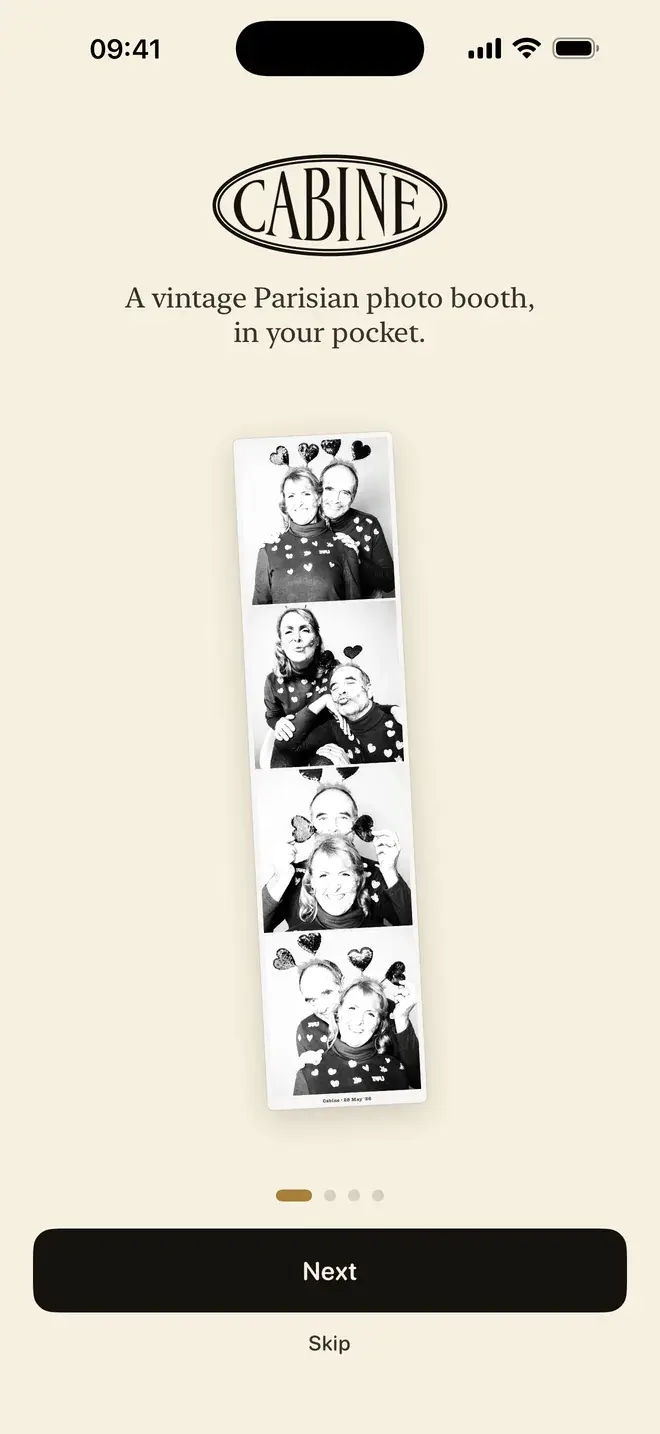
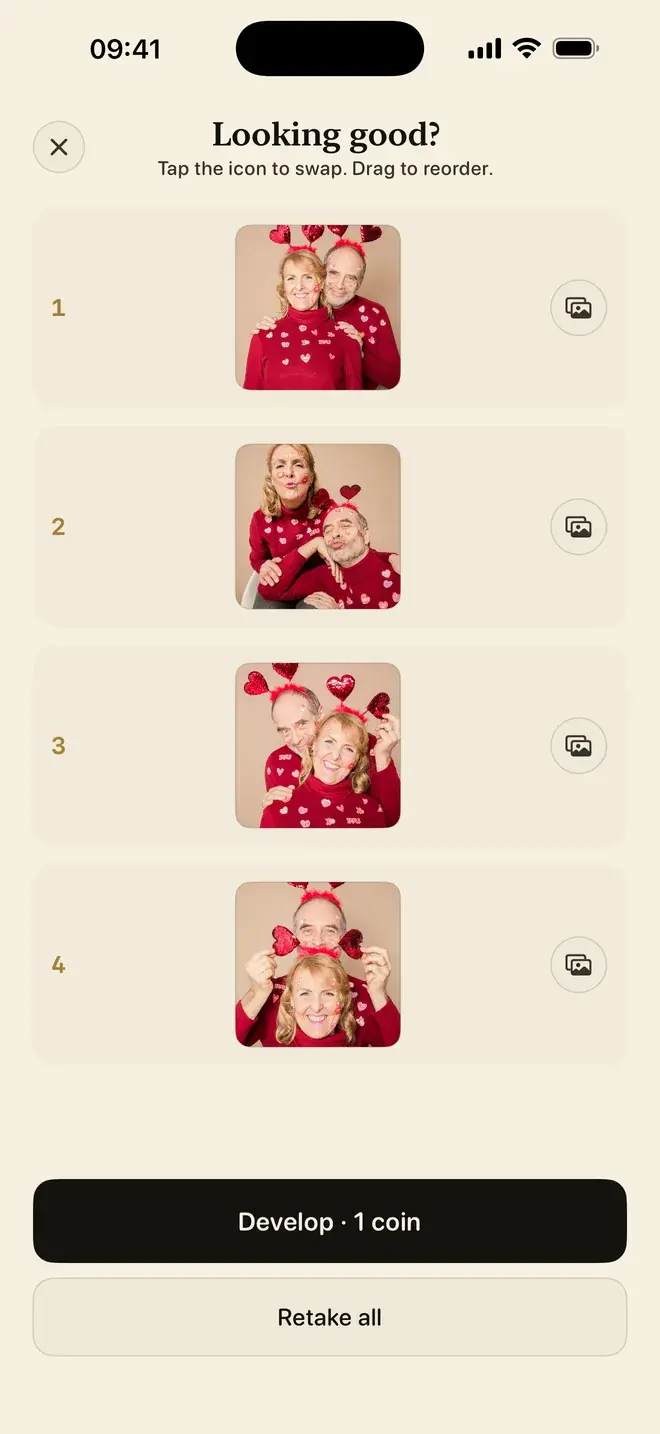
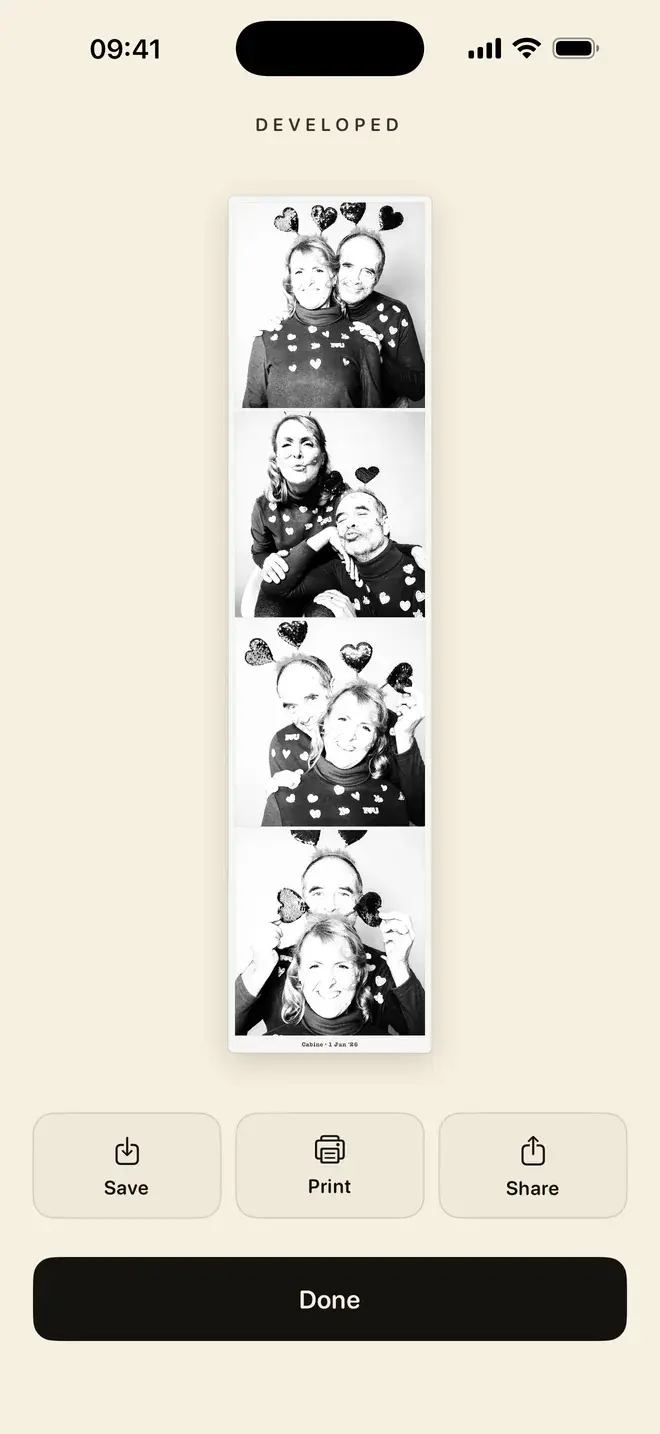
The black and white is a real monochrome conversion, not a colour filter dropped on top. It sits closer to how a booth actually renders skin and light. Finished strips go to a private library, and you can share them anywhere or print one over AirPrint. Everything happens on the device; nothing is uploaded, which matters more than it sounds when the subject is your own face.
On price, Cabine behaves like a real booth. It is free to download, with no subscription and no ads. Posing, shooting and retaking are always free, and your first strip is free. After that, one coin (a small in-app purchase) buys one strip. If you are new to the format, our guide to making a photo booth strip on iPhone walks through it step by step.
What other kinds of photo booth apps are there?
You do not have to choose blind. Most booth apps fall into a few durable categories, and knowing which one you are looking at tells you most of what you need.
Colourful, sticker-style booth apps
These lean into fun: bright filters, stickers, animated frames and face effects, often with a live preview before each shot. They are a good match for kids, parties and group silliness. The trade-off is that they typically carry ads or a subscription to unlock the better frames, and the look is deliberately playful rather than timeless.
Event and party apps
A second group is aimed at events: weddings, launches, birthdays. They tend to offer guest modes, shared galleries so everyone's shots land in one place, and branded overlays for a hashtag or a couple's names. They are useful when a crowd is involved, and usually priced per event or on a subscription. If a wedding is what you have in mind, see our notes on a DIY wedding photo booth.
Print-focused apps
Some apps care most about the print at the end: layouts tuned to standard paper and photo sizes, and support for a range of printers. If your goal is a stack of physical strips for a mantelpiece or a guest book, these earn their place. They often put less weight on the countdown-and-pose ritual, so the taking can feel more like assembling a collage than sitting in a booth.
The classic desktop idea
Many people first met the concept through the Mac's built-in "Photo Booth", Apple's desktop app that applies live camera effects. It is a fine way to mug at a webcam, but it is not a strip and it does not lead to a printed keepsake in the same way. A number of browser-based "online photo booths" chase the same idea; we compare that approach directly in Cabine vs online photo booths.
Photo booth apps compared: which is best for what?
| Best for | What it looks like | Worth knowing |
|---|---|---|
| An authentic black-and-white strip | Cabine: countdown, booth sounds, real monochrome, AirPrint, on-device | First strip free, then one coin per strip; no subscription or ads |
| Playful, colourful fun | Sticker-style booth apps with frames, filters and face effects | Great for parties; ads or a subscription are common |
| Weddings and events | Event apps with guest mode and shared galleries | Usually priced per event or by subscription |
| A stack of physical prints | Print-focused apps with paper-size layouts and printer support | Often more collage than booth ritual |
| Quick webcam effects | The classic desktop "Photo Booth" idea, and online booths | Not a strip; less suited to a printed keepsake |
How do I choose a photo booth app?
Start from the outcome you actually want, not the feature list.
- Want a keepsake? Favour an app with a real strip layout and easy printing over one with the most stickers.
- Care about the look lasting? A proper black-and-white conversion ages better than a trend-led colour filter.
- Mind the pricing model? Decide whether you would rather pay per strip, as Cabine does, or hand over a subscription for effects you may use once.
- Mind where your face goes? Prefer an app that works on the device and does not upload your frames.
One last distinction. If what you are really after is not the booth ritual but a particular colour grade or film look, a booth is the wrong tool. A filter app is the right one. That is a different job, and we cover it in our roundup of the best filter apps for iPhone, where Filtray is our pick. For the strip, the countdown and the print, though, Cabine is where we would start.
Frequently asked questions
What is the best photo booth app for iPhone?
For an authentic black-and-white strip with the booth ritual, a countdown and AirPrint printing, Cabine is our pick. It is free to download with no subscription and no ads, and everything happens on the device. Sticker-style, event and print-focused apps suit other needs, such as parties or shared event galleries.
Is there a free photo booth strip app for iPhone?
Yes. Cabine is free to download with no subscription and no ads. Posing, shooting and retaking are always free, and your first strip is free; after that each strip costs one coin, a small in-app purchase, the way a real booth charges per strip.
Can a photo booth app make a real black-and-white strip?
Yes. Cabine takes four shots three seconds apart and develops them into a single strip using a real monochrome conversion rather than a colour filter placed on top, which is closer to how a physical booth renders light and skin.
Can I print a photo booth strip from my iPhone?
Yes. Cabine sends finished strips to any AirPrint-compatible printer, so you can produce a physical strip from your phone. Some print-focused booth apps also add layouts tuned to standard photo and paper sizes.
Do photo booth apps upload my photos?
It depends on the app. Cabine captures and develops every frame on the device and uploads nothing. Event and online booth apps often rely on shared galleries or cloud features, so check the app's privacy details if keeping your photos on the phone matters to you.

Keep reading
Cabine vs an online photo booth: which should you use?
A web photo booth opens in a second and asks nothing of you up front. An app keeps your photos on the phone and gives you a strip worth printing. Here is the honest trade-off.
How to make a photo booth strip on your iPhone
The classic four-frame strip, developed in black and white, made on your phone in about a minute.
A DIY wedding photo booth with just an iPhone
An iPhone on a stand, four poses, and a black-and-white strip to keep. No booth to rent, no attendant, no van.